Blog ·
How to make a website mobile friendly for the call
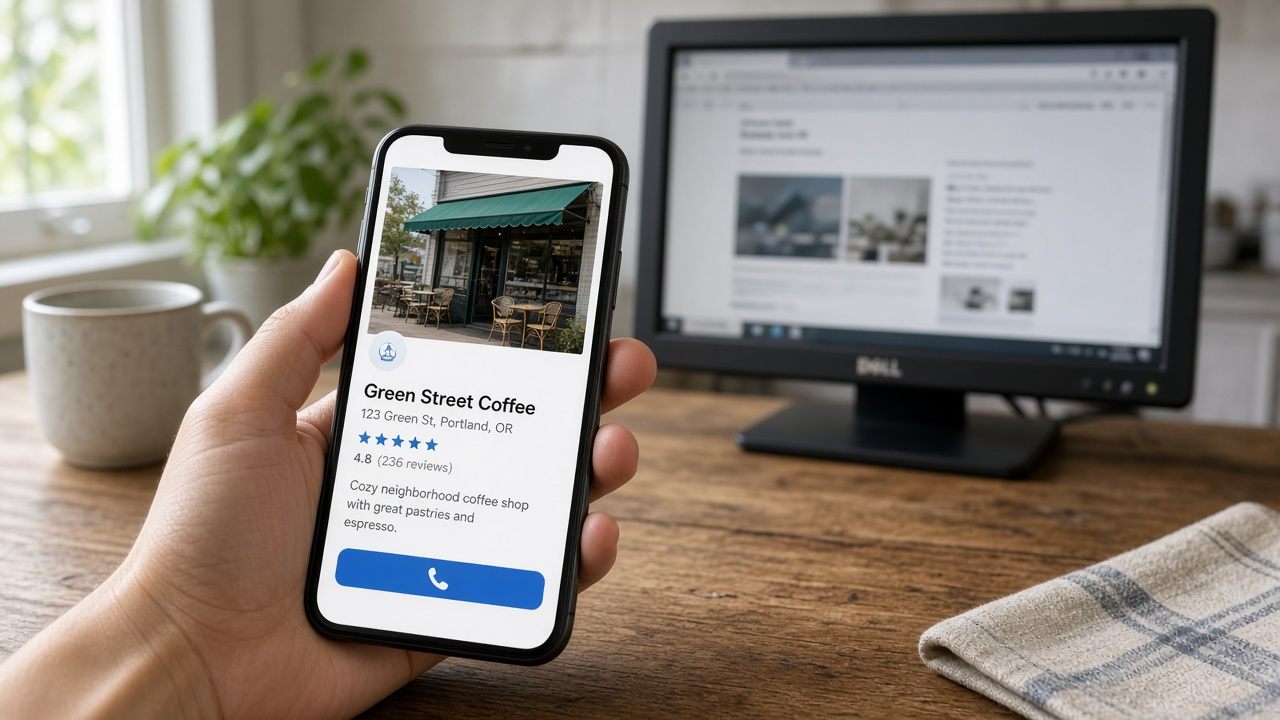
How to make a website mobile friendly is a test you can run tonight on the phone in your pocket. Do not start on the office computer. A wide screen hides the problem the customer hits.
Run this test before you call anyone
Open your own site. Hold the phone the way you hold it to text. Do not turn it sideways. Do not pinch. Read the first screen out loud. You should hear the business name, the town, and the phone number.
- Tap the phone number. The phone should open the dialer with your digits already filled in. If nothing happens, the number is plain text or a picture.
- Tap the menu. Your thumb should hit it without aiming. If you miss twice, the tap area is too small.
- Scroll down once. The page should move up and down only. A sideways slide means something is wider than the screen.
- Wait for the main photo. If you get bored and go back, a customer with a leak will do the same.
- Find the hours and the towns you serve. If they sit under a long story, most people never see them.
Write down which of those failed. That list is what you hand to whoever has the login. A vague request to make it modern gets you a new color. A list of failed taps gets you a fix.
How to make a website mobile friendly when the test fails
A pinch means the phone is showing a shrunken desktop. The usual cause is a missing viewport, the line that tells the phone to use the phone width. Ask the person with the login to add that line and to make the phone number large enough to read at arm's length. You do not need to edit the code yourself. You need to see the number without pinching after they say it is done.
A number that does not dial is not a link. Ask them to make it a telephone link, not a photo of the digits. Then tap it again on your phone. The dialer is the pass. A pretty button that does nothing is a fail.
A sideways scroll is usually a table, a map, or a photo with a fixed width. Ask them to let that piece shrink to the screen. Test again. If one photo still sticks out, that photo is the problem, not the whole design.
A slow photo is a large file. Ask for a smaller copy of the same picture. You can feel this without a score. On one lab check, the live Heritage Roofing site showed its big image in 1.8 seconds and answered in 140 milliseconds. The old page failed that check, and it also failed the viewport and the phone font size. Use your own wait as the test. The Heritage numbers are one roofing site, not a promise for your town.
Fix these without a new site
Move the number to the first screen if it already exists in the footer. Turn on the phone layout if your current tool has that switch and nobody ever used it. Replace a picture of the number with a real link. Update the hours if they are wrong. Those are edits, not a redesign.
Do the test again after each edit. One change at a time. If the number dials and the page no longer slides sideways, stop. You do not need a new logo to book the call.
These moves waste the week
- A second address, such as an m-dot site. Customers and Google then have two names for one shop.
- A plugin that only shrinks the desktop page and leaves the number in the footer.
- Judging the result from a laptop screenshot someone texts you.
- Buying a new domain because the old page looks bad on a phone. Keep the name. Fix the page.
Replace the page when you cannot edit it
Replace it when you cannot log in, when the person who built it does not answer, or when every one-line change is a new invoice. A missing viewport on a site you can still edit is a small job. The same failure on a site you cannot touch is a new site.
If you want this done from the site you already have, Vortex Personal is $59 a month for one live site. Pro is $449 a month for up to 10. Business is $2,499 a month for up to 150. Hosting is included. A year is ten times the month price. The old site stays up until you switch.
After any change, open the page on your phone and tap the number. If the dialer opens, the page passed. If it does not, it is not finished, no matter what the preview looks like on a computer.
If you cannot get into the old site, start a rebuild from the URL you already have.
The steps for a full replacement are in how to make a website for small business.