Blog ·
Google review appeal delays: what to do this week
A Google review appeal now has no promised answer date. Google says processing times are currently extended because of high volume. So do not sit and wait. Reply to the review in public, keep asking real customers for reviews, and file one clean appeal only if the review breaks a Google policy.
What Google said about the delay
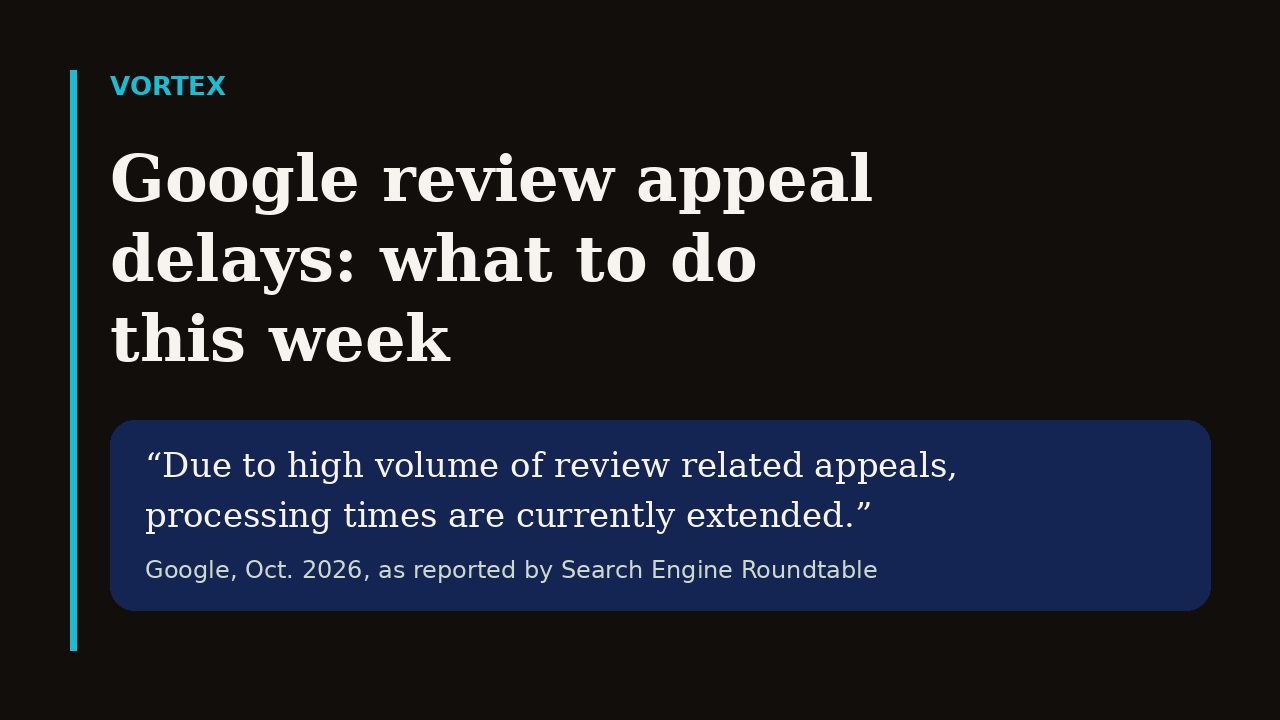
On October 20, 2026, Search Engine Roundtable reported that Dan Boguslavsky of Google posted in the Business Profile help forum. Google said, "Due to high volume of review related appeals, processing times are currently extended." It added that it cannot give a response timeframe for pending cases and asked owners not to file a duplicate appeal.
Google's own help page for removing reviews says "Review evaluation typically takes several days." Google gives no date for appeals, so do not count on that figure or on the review being gone by Friday.
Decide first if the review can be removed
Many unfair reviews are still allowed. Google's help page says "Do not report a review just because you disagree with it or dislike it." Only reviews that break Google's policies are eligible for removal.
Google's Maps content policy names the cases that count. It bans reviews or ratings that have been paid for, and reviews based on a conflict of interest, which the policy says can include current or former employment and industry competitors. It also bans off-topic content, and it says to post only content based on your experience or questions about experiences at a specific location.
Read the review next to your job records, then ask yourself four questions.
- Can you find a job, a quote, or a call that matches this person?
- Does the writer look like a former employee or a competitor?
- Is the review about something other than the visit, such as a rant about politics?
- Is the same text posted more than once?
If the answer to all four is no, the review is probably a real customer who is unhappy. Google may not remove it. Spend your time on the reply instead.
How to file a Google review appeal the right way
Flag first. In your profile, open Read reviews, select Report next to the review, choose the reason, and send the report. Google lists three statuses for a report: Decision pending, Report reviewed - no policy violation, and Escalated - check your email for updates. If the flagged review does not qualify for removal, the tool shows Appeal eligible reviews.
Google calls it a one-time appeal, and you can select up to 10 reviews. Use the Reviews Management Tool, choose the option to check the status of a review you reported, and select Appeal eligible reviews. Because you only get one try, write it with care.
- Name the exact policy the review breaks. Do not just call it fake.
- State the facts in two or three plain sentences. No anger, no threats.
- Say what you checked, such as no job on record under that name.
- Google calls it a one-time appeal, so submit once.
Then write the date in your calendar and move on. You will get the result by email. If the review stays, the reply you wrote will still be there.
Reply in public while you wait
A reply is the one thing you control today. Google says if your reply is approved, it will be publicly posted under the customer's review. Google also reviews replies before they post, so write one that follows the same content rules.
Many shoppers say they favor businesses that reply. In BrightLocal's February 2026 survey of 1,002 US adults, 80% said they are likely to use a business that responds to all of its reviews, and generic or templated replies put off 50%. So do not paste the same sentence under every review.
- Thank them by first name if the review shows one.
- Name the job or the day if you know it, and keep customer details out.
- Say what you will do, and give a phone number to call.
- Never accuse the writer of lying in public. Say you cannot find the job and ask them to call.
Do not try other ways to make it disappear
Pressure is a bad bet. The FTC's rule on reviews bars using unfounded or groundless legal threats, physical threats, intimidation, or certain false public accusations to prevent or remove a negative consumer review. Do not threaten a customer.
Do not pad your rating either. The FTC says its rule does not prohibit giving incentives for reviews, but the incentive cannot depend on a particular sentiment. Google's policy also says merchants may not discourage or prohibit negative reviews, or selectively solicit positive reviews. Google's policy bans paid-for reviews outright, so do not pay or reward anyone for a Google review.
Ask for real reviews this week
One unfair review matters less when it sits among fresh, real ones. BrightLocal found that 74% of consumers look for reviews written in the last three months. Google tells owners that you can share a review request link or QR code to encourage reviews.
- Copy your review link from your profile and save it in your phone.
- Text it to every customer after a finished job, not only the happy ones.
- Print the QR code on invoices or the leave-behind card.
- Check your profile once a week for new reviews and reply within a day.
While you are in the profile, check the rest of it too. Our post on Google Business Profile suggested edits covers the weekly check that keeps your phone, hours, and website correct. If you want to know how local businesses show up in AI answers, read AI search for local service businesses.
Make your website back up the profile
Make sure your site shows your phone number first, your towns, and photos of jobs you finished. If the page is slow or out of date, the review is not your only problem.
You can see what a rebuilt site looks like for businesses like yours on our case studies page.
If you want this done from the site you already have, Vortex Personal is $59 a month for one live site. Pro is $449 a month for up to 10. Business is $2,499 a month for up to 150. Hosting is included. A year is ten times the month price. The old site stays up until you switch.
Paste the address you already run and start a rebuild.
Sources
Google Business Profile Help: Reply to reviews (current as of October 26, 2026)
Google Maps Contribution Policy: Prohibited and restricted content (current as of October 26, 2026)
FTC: Consumer Reviews and Testimonials Rule Questions and Answers (current as of October 26, 2026)
BrightLocal: Local Consumer Review Survey 2026 (February 11, 2026)
Image: Vortex